
Mobile Version
The Staff Directory is available on all devices:
mobiles, tablets and computers.
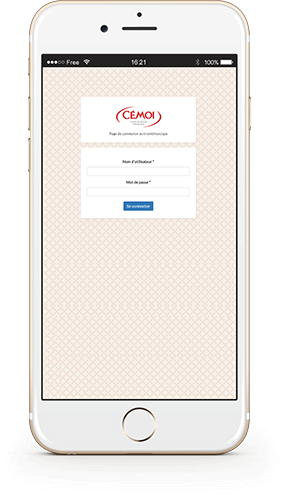
With the SSO connection, employees can access the Staff Directory from any device securely
The SSO (Single Sign On) system allows users to authenticate with their already existing credentials within the company.
AD FS (Active Directory Federation Services) services are supported for an SSO connection. With just a few clicks, the service is referenced on your Active Directory server, and you keep the complete control over the process of identifying your users.
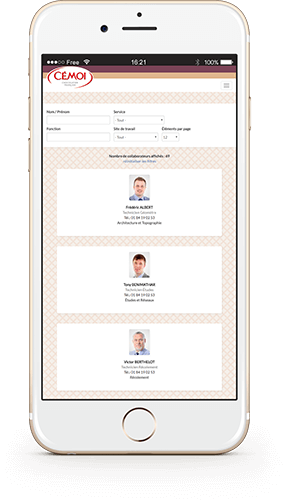
All the details of the company’s employees in your pocket
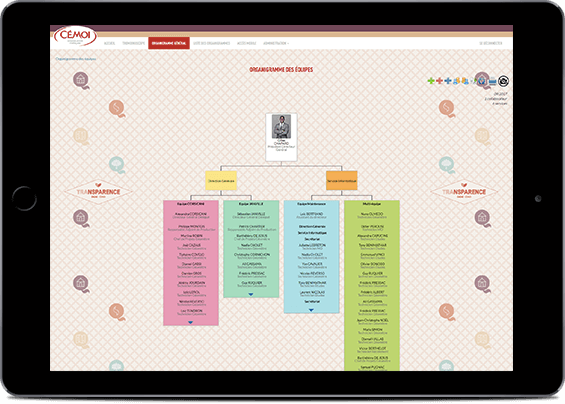
Thanks to its responsive design, the staff directory adapts itself to the size of the device. The content of the staft directory is the same regardless of the terminal: desktop, tablet or smartphone.
In particular, search filters remain present in order to quickly find any employee.
Phone numbers and e-mail addresses are clickable for direct action
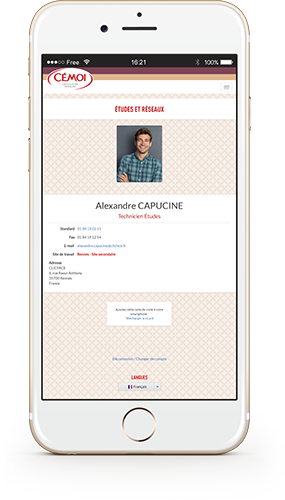
On the page of each employee, phone numbers are clickable: you make the call directly by clicking on it. No need to copy / paste.
Same for e-mail addresses: clicking on it opens a new message.
No SSO? Other connection methods are available for secure access
We can set up other methods of alternative connection to the SSO connection: IP address filtering, connection with an e-mail address, QR Code identification…
Several methods of connection can also coexist.